
Navigating the expansive roadways of Texas can be an exhilarating experience, offering a glimpse into the Lone Star State’s vast landscapes, from the bustling metropolises of Dallas and Houston to the historic charm of San Antonio and the vibrant energy of Austin. Whether you’re embarking on a cross-state adventure, exploring local attractions, or simply commuting, understanding how to manage your toll road payments is crucial for a smooth and stress-free journey. Fortunately, in today’s digital age, paying Texas tolls online has become remarkably convenient, allowing you to bypass the traditional toll booths and keep your eyes on the road, or perhaps on the breathtaking scenery. This comprehensive guide will walk you through the process, ensuring you’re well-equipped to handle any toll obligations during your travels across Texas.
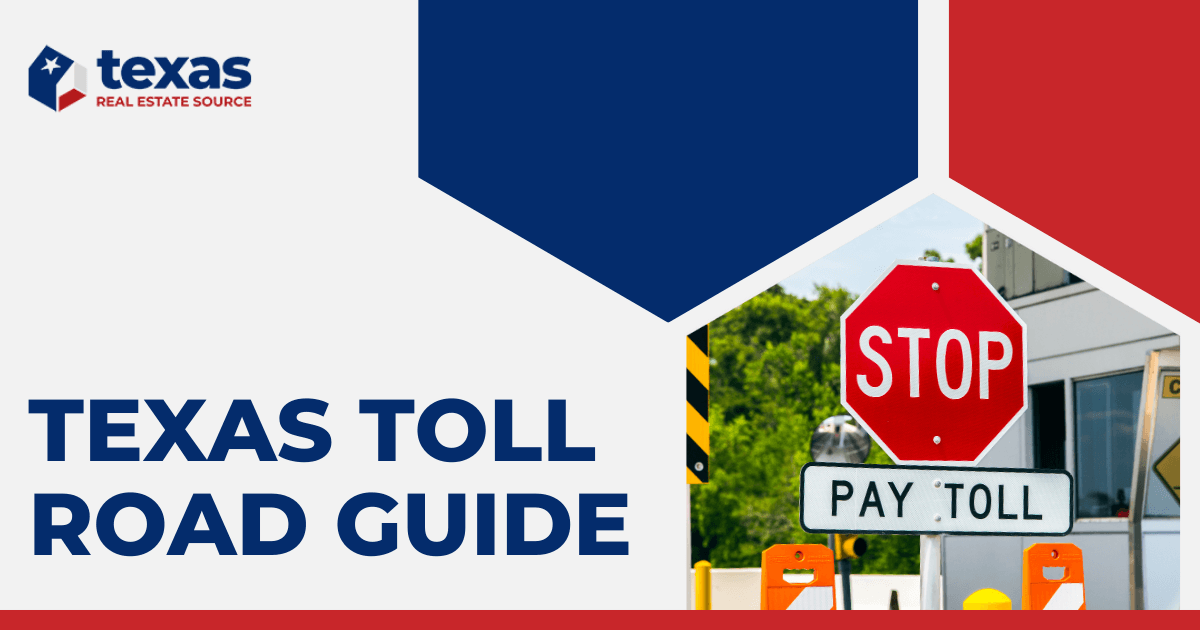
The Texas Department of Transportation (TxDOT) and various regional toll authorities are committed to providing efficient toll collection systems. The advent of online payment options reflects this commitment, catering to the modern traveler’s preference for digital solutions. Gone are the days of fumbling for change or worrying about missed payments and subsequent late fees. With a few clicks or taps, you can settle your toll charges, often before you even realize you’ve incurred them, especially if you’re using a Texas Tag or TxTag associated with your vehicle.
Understanding Texas Toll Roads and Payment Systems
Before diving into the online payment process, it’s beneficial to have a basic understanding of how Texas toll roads operate. Many of Texas‘s toll roads are managed by regional toll authorities rather than a single statewide entity. This means payment systems and account management can vary slightly depending on which toll road you are using. However, there’s a significant amount of interoperability, especially with electronic toll transponders.
The primary methods for paying tolls in Texas are:
- Pay By Mail: For those who don’t have an electronic toll tag, toll agencies will often mail an invoice to the registered owner of the vehicle based on license plate recognition. This is typically the most expensive option due to administrative fees.
- Pay As You Go: This involves purchasing a pre-paid toll tag or account with a specific toll authority. This is generally the most cost-effective and convenient method.
- Pay Online: This is the focus of our guide, allowing you to manage payments for tolls incurred, especially when you don’t have a registered toll tag.
The Importance of Electronic Toll Collection
Electronic toll collection systems, such as the TxTag, TollTag (managed by the North Texas Tollway Authority or NTTA), and EZ TAG (managed by the Harris County Toll Road Authority or HCTRA), are the backbone of efficient tolling in Texas. These transponders are small electronic devices mounted on your vehicle’s windshield. As you pass through a toll plaza, the transponder communicates with the toll system, automatically deducting the toll amount from your pre-paid account.
If you are a frequent traveler in Texas, obtaining one of these transponders is highly recommended. You can typically sign up for an account with any of these agencies, and your transponder will be recognized on most toll roads across the state, and even in some other states. This not only saves you money by avoiding potential administrative fees associated with “Pay By Mail” but also eliminates the need to stop and pay at toll booths.
However, even if you don’t have a transponder, or if your transponder malfunctions, there are still ways to pay your tolls online. This is particularly useful for visitors to Texas or for residents who occasionally use toll roads without their transponder.
Paying Texas Tolls Online: Your Step-by-Step Guide
Paying your Texas tolls online can be achieved through a few different avenues, primarily depending on whether you have received a bill or if you are proactively trying to manage potential tolls.
Scenario 1: You Received a Toll Invoice in the Mail
If you’ve received a “Pay By Mail” invoice, it’s essential to address it promptly to avoid late fees and potential escalation. The invoice will contain important information, including your citation number, license plate number, the date and location of the toll usage, and the amount due.
1. Identify the Issuing Toll Authority
The first step is to identify which toll authority issued the invoice. This information will be clearly stated on the bill. Common issuers include:
- TxDOT (often associated with toll roads managed directly by the state, sometimes referred to as Texas Toll or Texas Tolling Authority)
- NTTA (North Texas Tollway Authority)
- HCTRA (Harris County Toll Road Authority)
- Central Texas Regional Mobility Authority (CTRMA)
- Alamo Regional Mobility Authority (ARMA)
2. Visit the Issuing Authority’s Website
Once you know the issuing authority, navigate to their official website. You will typically find a section dedicated to “Pay Tolls,” “Invoices,” or “Customer Service.”
3. Enter Your Invoice Information

On the payment portal, you will be prompted to enter the details from your invoice. This usually includes:
- Invoice Number or Citation Number
- License Plate Number
- State of Registration
Be sure to enter this information accurately. Any discrepancies could lead to payment processing issues.
4. Make Your Payment
The website will then guide you through the payment process. Most toll authorities accept a variety of payment methods, including:
- Credit Cards (Visa, Mastercard, American Express, Discover)
- Debit Cards
- Bank Account (e-check)
Follow the on-screen instructions to complete your transaction. You will typically receive a confirmation email or a printable receipt once the payment is successful. It’s advisable to keep this confirmation for your records.
Scenario 2: You Don’t Have an Invoice But Want to Pay Proactively or Check for Tolls
If you’ve traveled on Texas toll roads and don’t have an invoice, or if you want to ensure you haven’t missed any payments, you can often check for outstanding tolls. This is particularly relevant for visitors who may not be aware of the toll system or for those who have recently moved to Texas.
1. Visit the Toll Authority’s “Pay By Plate” or “Customer Portal”
Many toll authorities offer a “Pay By Plate” service or a general customer portal where you can search for tolls associated with your license plate. You can usually find this option by looking for links like “Pay Unpaid Tolls,” “Search for Tolls,” or “Manage My Account” on the respective toll authority’s website.
2. Search for Tolls Using Your License Plate
You will likely need to provide your license plate number and the state in which your vehicle is registered. The system will then search its records for any unpaid tolls linked to that plate within a specified timeframe.
3. Settle Any Found Tolls
If the system finds any unpaid tolls, you will be presented with the option to pay them. The process is similar to paying an invoice, where you’ll select your payment method and complete the transaction.
4. Consider Setting Up a Pre-Paid Account for Future Travel
If you anticipate using Texas toll roads frequently, the most proactive and cost-effective approach is to set up a pre-paid account with one of the toll agencies. This involves creating an account, linking your vehicle’s license plate and payment method, and often receiving a toll transponder. This way, tolls are automatically deducted, and you avoid the hassle of invoices and potential late fees. You can manage your account, view transaction history, and update your payment information online.
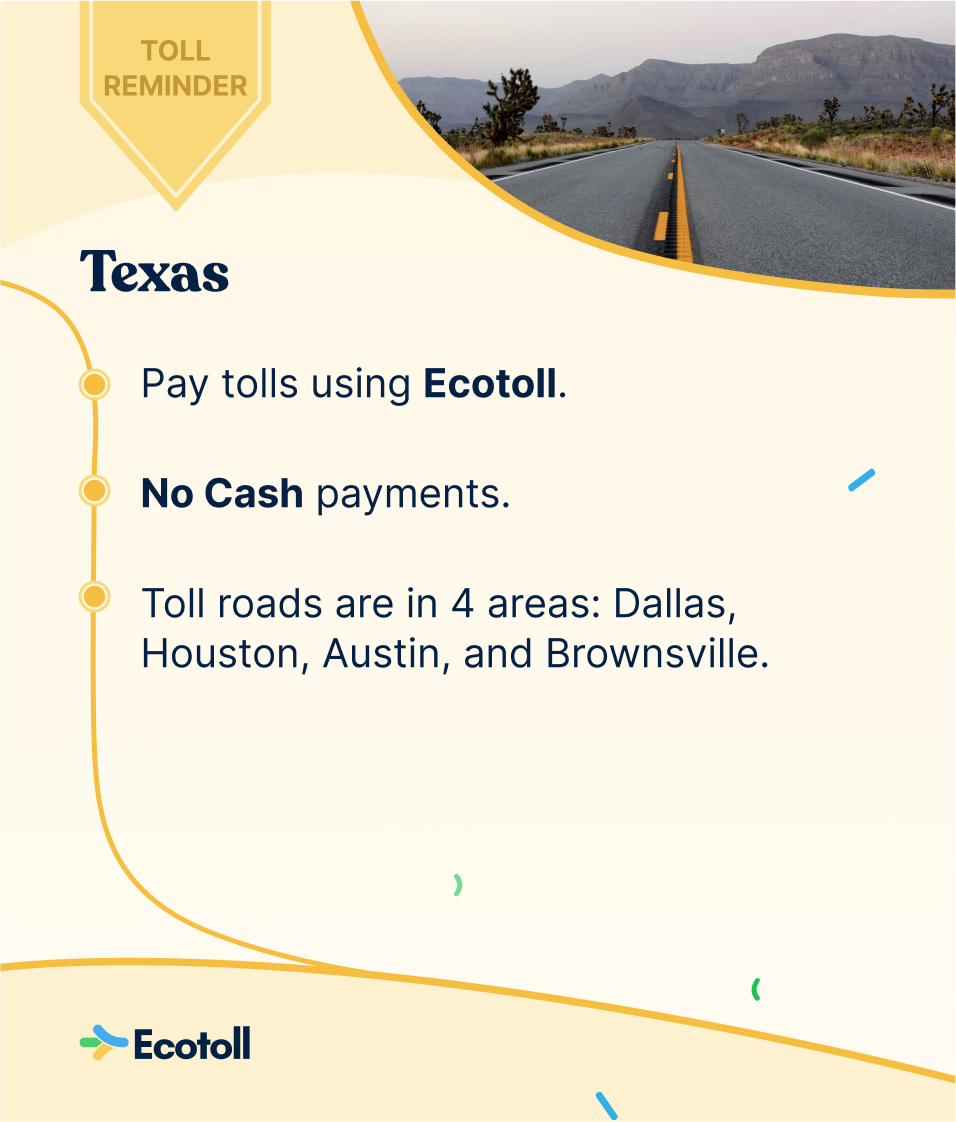
Tips for Hassle-Free Toll Payments in Texas
To ensure your Texas travel remains enjoyable and free from unexpected toll-related issues, consider these helpful tips:
- Be Aware of Toll Roads: Before you travel, especially to a new part of Texas, familiarize yourself with the potential toll roads along your route. Navigation apps like Google Maps and Waze often allow you to select “avoid tolls” if you prefer. However, for scenic routes or time-saving shortcuts, toll roads are often the best option.
- Sign Up for a Toll Tag: As mentioned earlier, if you plan to drive in Texas regularly, obtaining a toll tag (TxTag, TollTag, or EZ TAG) is the most economical and convenient solution. These are interoperable across most Texas toll roads.
- Keep Your Contact and Vehicle Information Updated: If you have a pre-paid toll account, always ensure your mailing address, email address, and vehicle registration information are current. This is crucial for receiving any notifications or important correspondence from the toll authority.
- Monitor Your Account Regularly: If you have a pre-paid account, it’s good practice to periodically check your balance and transaction history online. This helps you stay on top of your usage and ensures your payment method is functioning correctly.
- Understand Grace Periods and Late Fees: Each toll authority may have slightly different policies regarding grace periods for missed payments and the application of late fees. Familiarize yourself with these policies to avoid unnecessary charges.
- Use Official Websites Only: When paying tolls online, always ensure you are on the official website of the issuing toll authority. Be wary of third-party sites that may charge additional fees or be fraudulent.
By following these guidelines, you can confidently navigate the toll roads of Texas, enjoying the convenience and efficiency they offer. Whether you’re exploring the iconic Alamo in San Antonio, experiencing the vibrant music scene in Austin, or indulging in the culinary delights of Houston, your journey can be made even smoother by mastering the art of online toll payments.
LifeOutOfTheBox is a participant in the Amazon Services LLC Associates Program, an affiliate advertising program designed to provide a means for sites to earn advertising fees by advertising and linking to Amazon.com. Amazon, the Amazon logo, AmazonSupply, and the AmazonSupply logo are trademarks of Amazon.com, Inc. or its affiliates. As an Amazon Associate we earn affiliate commissions from qualifying purchases.