
Navigating the labyrinthine subway system of New York City is an essential part of experiencing the Big Apple, whether you’re a first-time visitor or a seasoned explorer. Understanding how to purchase metro tickets, often referred to as MetroCards, is crucial for seamless travel. This guide will demystify the process, ensuring you can confidently hop on a train and reach your desired destination, from the bustling streets of Manhattan to the vibrant neighborhoods of Brooklyn.
Understanding MetroCard Options
The Metropolitan Transportation Authority (MTA), which operates the New York City Subway, offers a few primary ways to pay for your journeys. The traditional method involves purchasing a physical MetroCard, a plastic card that you can load with either pay-per-ride value or an unlimited pass. More recently, the MTA has introduced OMNY, a contactless payment system that allows you to tap your contactless credit or debit card, smartphone, or wearable device to pay for your fare.
Pay-Per-Ride MetroCard
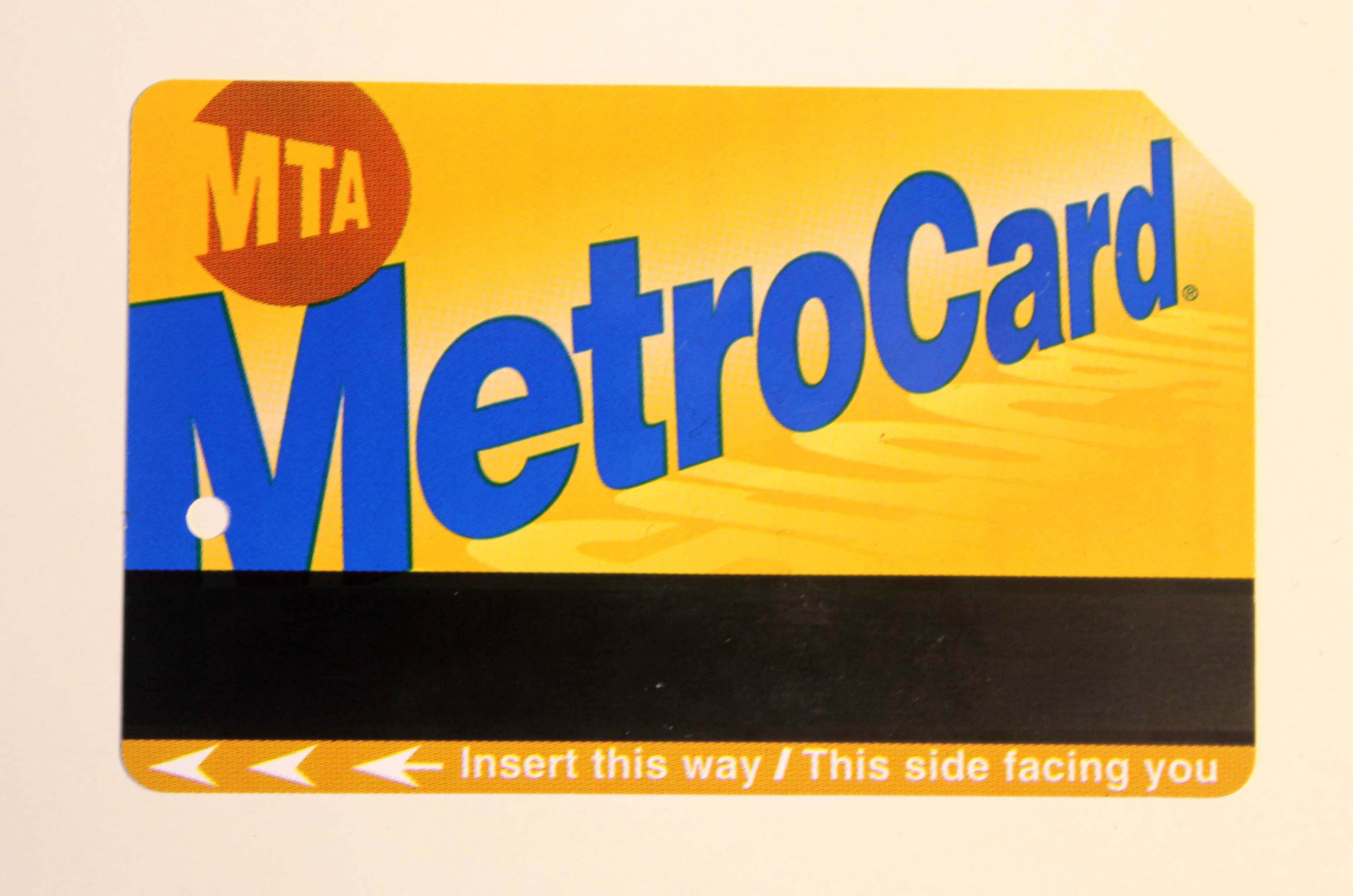
The Pay-Per-Ride MetroCard is a flexible option for those who don’t plan on extensive subway use. You can load any amount onto the card, and each ride deducts a set fare. As of my last update, a single ride costs $2.90. A significant benefit of the Pay-Per-Ride option is the “Free Transfer” policy. If you swipe your MetroCard at a subway station turnstile, you are entitled to a free transfer to another subway line or an eligible MTA bus within two hours of your initial entry. This is particularly useful for exploring different parts of the city without incurring additional fares.
Additionally, the MTA often offers bonus value when you add a certain amount to a Pay-Per-Ride MetroCard. For example, historically, adding $10 or more would grant a small percentage bonus, effectively giving you a little extra fare for free. Always check the station’s fare machines for current bonus offers.
Unlimited Ride MetroCards
For visitors or residents who anticipate frequent subway and bus travel, the Unlimited Ride MetroCard is the most cost-effective solution. These cards come in various durations, typically offering unlimited rides for 7-day or 30-day periods. The 7-day unlimited pass is ideal for short stays, allowing you to traverse the city extensively without worrying about individual fares. The 30-day pass is a better value for longer visits or for those who rely heavily on public transit for daily commutes.
The Unlimited Ride MetroCard is also eligible for the free transfer policy, though naturally, as the rides are unlimited, the transfer benefit is less of a primary consideration than the freedom from fare calculation. It’s important to note that once an Unlimited Ride MetroCard is purchased, it cannot be refilled with pay-per-ride value. If you have an active Unlimited Ride pass and want to switch to pay-per-ride, you’ll need to purchase a new card or load pay-per-ride value onto a separate card.
OMNY: Contactless Payment
OMNY, which stands for One Metro New York, is the MTA’s contactless fare payment system. It’s designed to make paying for transit simpler and more convenient. With OMNY, you can use your contactless credit or debit card, smartphone with a digital wallet like Apple Pay or Google Pay, or a contactless-enabled wearable device.
To use OMNY, simply tap your payment device on the OMNY reader at the subway turnstile or bus farebox. The fare will be automatically deducted from your linked account. Similar to the Pay-Per-Ride MetroCard, OMNY offers the same fare of $2.90 per ride and the free transfer benefit.
One of the most attractive features of OMNY is its “Fare Capping” program. This means that after you’ve taken 12 paid rides within a 7-day period (Monday through Sunday), all subsequent rides within that week will be free. This effectively provides the benefit of a 7-day unlimited pass without the upfront purchase. You don’t need to do anything special; the system automatically tracks your rides and applies the cap.
Where to Buy MetroTickets
The MTA has made purchasing metro tickets and MetroCards accessible across the city. Understanding these locations will ensure you’re never stranded without a way to pay for your ride.
Station Vending Machines
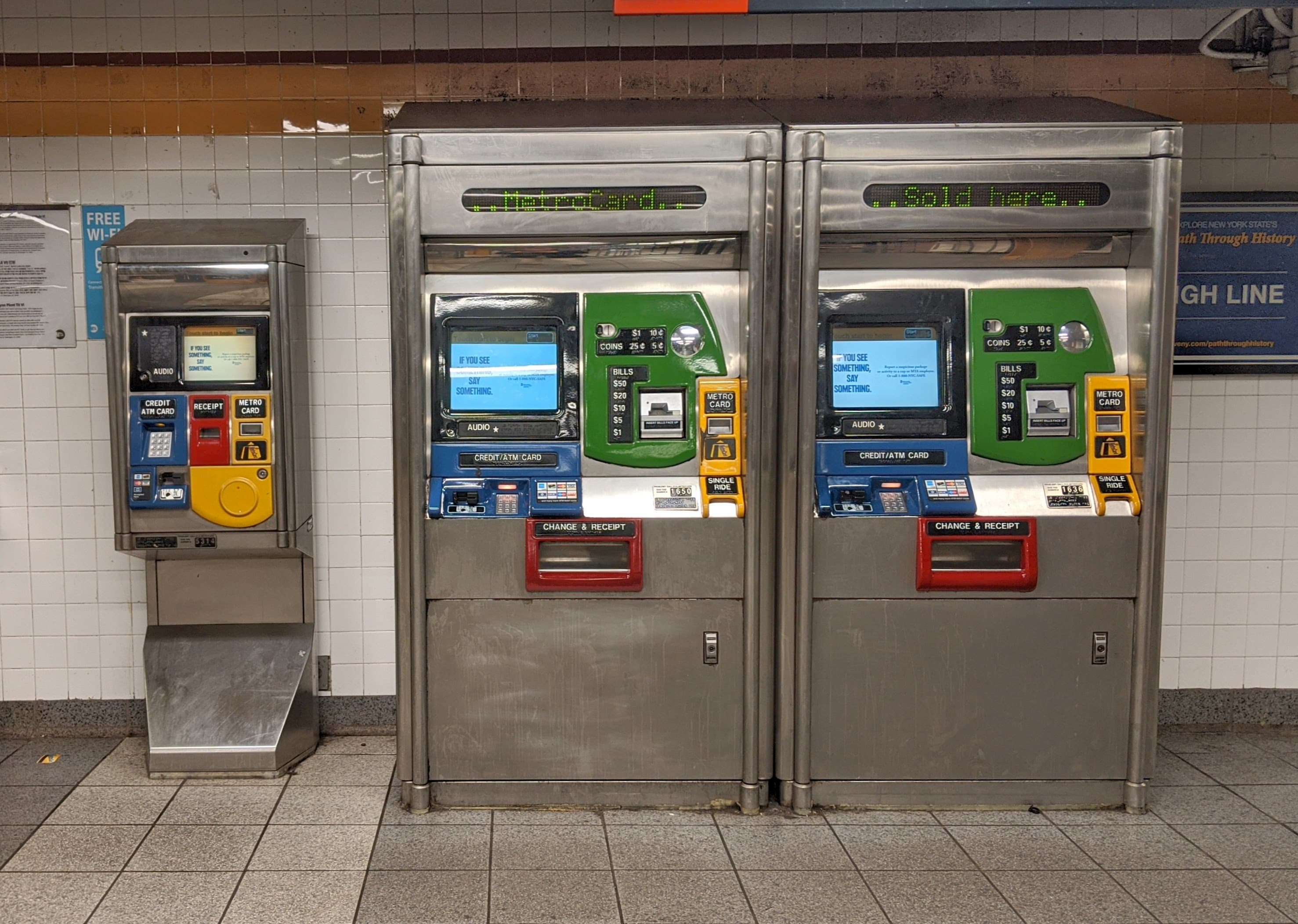
The most common place to purchase a MetroCard is from the automated vending machines located in most New York City Subway stations. These machines are user-friendly and accept both cash (bills and coins) and credit/debit cards.
- Selecting Your Card Type: On the machine’s touchscreen, you’ll typically see options to buy a new MetroCard or add value to an existing one. For new purchases, choose “Buy a New MetroCard.”
- Choosing Between Unlimited and Pay-Per-Ride: You’ll then be prompted to select either an Unlimited Ride MetroCard (7-day or 30-day) or a Pay-Per-Ride MetroCard. If you opt for Pay-Per-Ride, you can specify the amount you wish to load.
- Payment: Follow the on-screen instructions to insert cash or swipe/insert your card.
- Receiving Your MetroCard: Once the transaction is complete, the machine will dispense your new MetroCard. Remember to keep it in a safe place, as it’s your key to the city’s transit system.
Pro Tip: If you are purchasing a new MetroCard for the first time, there is a $1 fee for the card itself, in addition to the value you load onto it. This fee is waived if you are adding value to an existing card.
Station Booths
In some subway stations, particularly larger or more heavily trafficked ones, you may find a manned booth. Here, you can purchase MetroCards directly from a customer service agent. This can be a good option if you have specific questions or if the vending machines are out of order. Payment options at booths may be more limited, often favoring cash, though many now accept credit and debit cards.
OMNY Tap-and-Go
As mentioned earlier, OMNY eliminates the need to purchase a physical card for contactless users. You can simply tap your device at the turnstile. However, if you prefer not to use a personal device or a contactless card, you can purchase an OMNY card directly from the vending machines or station booths. These OMNY cards function similarly to a MetroCard but are designed to be used with the OMNY readers.
Online and App Purchases
While you cannot directly purchase a physical MetroCard to be mailed to you for immediate use, the MTA does offer options for managing your OMNY account online. You can visit the OMNY website to set up an account, view your ride history, and manage your payment methods. This is particularly useful for tracking your fare capping benefits.
Using Your MetroCard or OMNY
Once you have your fare payment method in hand, the next step is to use it to enter the subway system.
Entering the Subway with a MetroCard
- Locate the Turnstile: Find an open turnstile. Some turnstiles are designated for specific fare types, but most accept both MetroCard and OMNY.
- Swipe Your MetroCard: Locate the black magnetic stripe on your MetroCard. Swipe it through the reader slot in a single, smooth motion. The reader is usually located on the top of the turnstile.
- Wait for the Green Light: If the fare is valid, the turnstile will beep, and the green light will illuminate, allowing you to pass through. If you hear a red light and a buzzer, your MetroCard may have insufficient funds, be expired, or be incorrectly swiped.
- Check Your Balance (Pay-Per-Ride): If you used a Pay-Per-Ride MetroCard, the amount remaining on your card will often be displayed on the turnstile screen after your swipe.
Entering the Subway with OMNY
- Tap Your Device: Locate the OMNY reader on the turnstile. It’s usually a distinct reader separate from the MetroCard swipe slot.
- Hold Your Device: Hold your contactless credit/debit card, smartphone, or wearable device directly against the OMNY reader until you hear a beep and see a green light.
- Pass Through: The turnstile will unlock, allowing you to enter. Your fare will be processed automatically.

Tips for Efficient Metro Travel
To make your New York City subway experience as smooth as possible, consider these additional tips:
- Plan Your Route: Before heading to the station, use a transit app or the MTA’s trip planner to determine the best subway lines and directions to your destination. This will save you time and confusion.
- Hold Onto Your MetroCard: If you have a Pay-Per-Ride MetroCard, keep it handy. You may need it for transfers if you exit the subway system and re-enter via a different entrance that doesn’t support OMNY, or for bus transfers.
- Check for Service Changes: The MTA sometimes announces service changes or delays. It’s wise to check their website or apps for any alerts that might affect your travel plans.
- Be Aware of Your Surroundings: Like any major urban transit system, it’s important to be mindful of your personal belongings and stay aware of your surroundings, especially during peak hours.
- Understand Fare Capping: If you’re using OMNY, remember that the fare capping ensures you won’t pay more than the cost of a 7-day unlimited pass, no matter how many individual rides you take within that week.
- Keep Your MetroCard: Even after you’ve used up the balance on a Pay-Per-Ride MetroCard, you can often add more value to it. If it’s an Unlimited Ride pass, you can purchase another unlimited period for it, saving you the $1 card fee.
By understanding the various ticket options and purchasing methods, you can confidently navigate the New York City Subway and enjoy all that the city has to offer. Whether you choose the convenience of OMNY or the tangible nature of a MetroCard, your journey through this iconic metropolis will be all the more enjoyable with a well-planned transit strategy.
LifeOutOfTheBox is a participant in the Amazon Services LLC Associates Program, an affiliate advertising program designed to provide a means for sites to earn advertising fees by advertising and linking to Amazon.com. Amazon, the Amazon logo, AmazonSupply, and the AmazonSupply logo are trademarks of Amazon.com, Inc. or its affiliates. As an Amazon Associate we earn affiliate commissions from qualifying purchases.