
Navigating the intricate network of toll roads across Texas can initially seem daunting, but with a clear understanding of the available payment methods and policies, drivers can ensure a smooth and hassle-free experience. From the bustling urban centers of Dallas-Fort Worth and Houston to the expansive highways that connect the state, tolls are a common feature of modern Texas travel. This guide aims to demystify the process, offering insights into how to pay tolls effectively and avoid unexpected fees, thereby enhancing your journey through the Lone Star State.
Understanding Texas Toll Roads and Systems
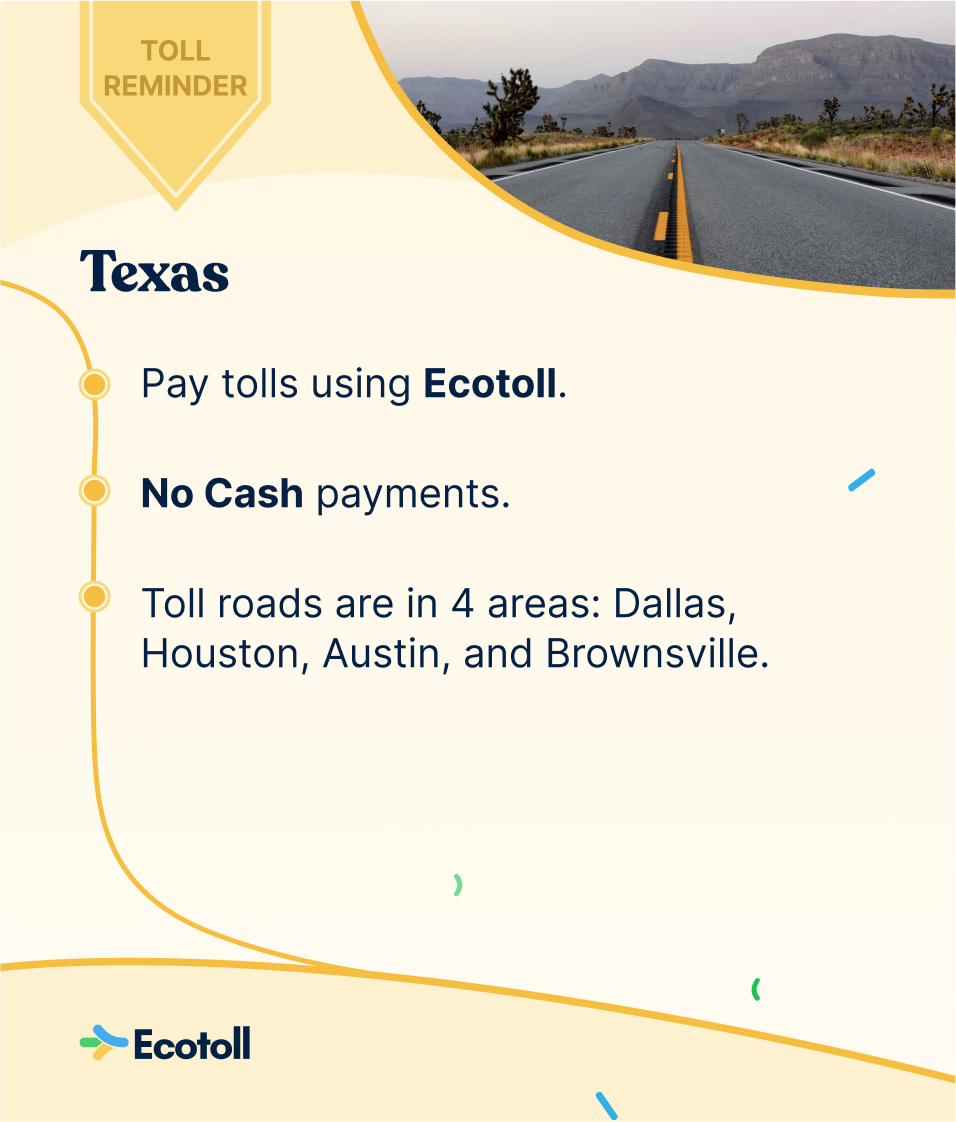
Texas boasts a comprehensive toll road system managed by various authorities, each with its own operational nuances. The most prominent of these is the Texas Department of Transportation (TxDOT), which oversees a significant portion of the state’s toll facilities. Additionally, regional entities such as the North Texas Tollway Authority (NTTA) in the Dallas-Fort Worth area, the Harris County Toll Road Authority (HCTRA) in Houston, and the Central Texas Regional Mobility Authority (CTRMA) in the Austin region manage their respective toll networks.
Types of Toll Collection
The method of toll collection can vary across these systems, but generally falls into two main categories:
- Cash Payment: While becoming less common, some older toll booths may still accept cash. This typically involves a toll attendant who collects the toll directly. However, it is increasingly rare, and many facilities are transitioning to cashless systems.
- Electronic Tolling: This is the predominant method in Texas. It involves transponders or license plate recognition systems.
Cashless Tolling Explained
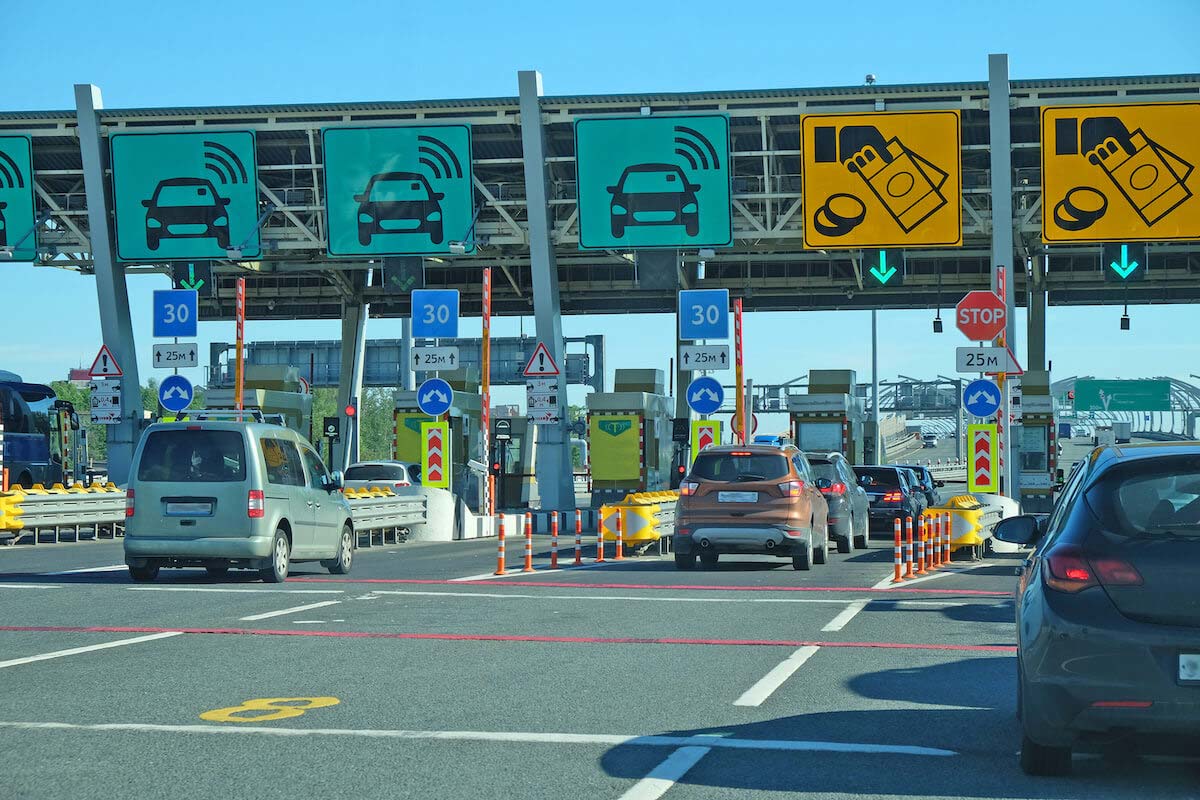
The vast majority of toll roads in Texas operate on a cashless basis, meaning there are no toll booths to stop at. Instead, a system of cameras captures your license plate as you pass through toll points. There are two primary ways to handle cashless tolls:
- With a Toll Transponder (Toll Tag): This is the most recommended and cost-effective method for frequent toll road users. A transponder is a small electronic device mounted on your vehicle’s windshield. When you pass through a toll plaza, the transponder communicates with the toll system, automatically deducting the toll amount from your prepaid account.
- Without a Toll Transponder (Pay By Mail/Invoice): If you do not have a transponder, the toll authority will capture your license plate information. They will then send a bill, often referred to as a “Toll Invoice” or “Statement of Toll Charges,” to the registered owner of the vehicle at the address on file with the Texas Department of Public Safety. This method typically incurs higher fees than using a transponder due to administrative costs.
Methods of Paying Tolls in Texas
Given the prevalence of electronic tolling, understanding how to manage your toll payments effectively is crucial.
Utilizing Toll Transponders
Several toll tag providers operate within Texas. The most common ones include:
- TxTag: Issued by the Texas Department of Transportation, TxTag is usable on most toll roads across Texas, including those managed by TxDOT, NTTA, and HCTRA. It is also often accepted in other states with compatible toll systems.
- EZ-Tag: Primarily associated with the Harris County Toll Road Authority (HCTRA) in the Houston area, EZ-Tag can also be used on many other toll roads throughout Texas.
- Pinchy (NTTA): Issued by the North Texas Tollway Authority, Pinchy is the transponder for the Dallas-Fort Worth metroplex. It is also widely accepted on other toll roads across the state.
Key Benefits of Using a Transponder:
- Cost Savings: Tolls are generally cheaper when paid with a transponder compared to pay-by-mail options.
- Convenience: Eliminates the need to remember to pay individual tolls or worry about receiving bills.
- Interoperability: Many transponders work across different toll agencies within Texas and sometimes even in other states, simplifying travel.
Setting Up a Toll Tag Account:
- Choose a Provider: Select the toll tag provider that best suits your travel patterns. If you primarily travel in North Texas, Pinchy might be ideal. For Houston, EZ-Tag is a good choice. If you travel statewide, TxTag offers broad coverage.
- Online or In Person: You can typically set up an account online through the respective agency’s website or visit a customer service center.
- Vehicle Information: You will need to provide details about your vehicle, including the license plate number, make, model, and year.
- Payment Method: Link your account to a credit card or bank account for automatic replenishment of your prepaid balance.
- Mount the Transponder: Follow the instructions provided to correctly mount the transponder on your vehicle’s windshield.
Managing Your Transponder Account:
- Monitor Balance: Regularly check your account balance to ensure it doesn’t fall below the minimum threshold, which could lead to missed toll payments and accumulating fees.
- Update Information: Keep your contact information and payment details current.
- Dispute Charges: If you believe you’ve been incorrectly charged, contact your toll tag provider promptly.
Paying Tolls by Mail (Without a Transponder)
If you occasionally use toll roads in Texas and don’t wish to get a transponder, you will likely receive a Toll Invoice.
How the Pay-By-Mail System Works:
- License Plate Capture: Cameras at toll points capture your license plate.
- Database Check: The license plate is cross-referenced with motor vehicle records to identify the registered owner.
- Invoice Generation: A Toll Invoice is generated and mailed to the address on file. This invoice will list the tolls incurred and an amount due.
- Payment Options: You can typically pay the invoice online, by mail, or in person at authorized payment centers.
Important Considerations for Pay-By-Mail:
- Higher Costs: As mentioned, pay-by-mail typically involves higher fees than using a transponder. These can include administrative fees, surcharges, or “customer initiated toll” rates, which are higher than the standard transponder rate.
- Timeliness: It is crucial to pay these invoices promptly. Overdue invoices can result in significant penalties and late fees. Some authorities may also issue citations or place a hold on your vehicle registration if tolls remain unpaid.
- Address Accuracy: Ensure your vehicle registration information with the Texas Department of Public Safety is up-to-date. If the invoice is mailed to an incorrect address, you may not receive it and could incur further penalties.
- Multiple Agencies: If you travel across different toll authorities, you might receive separate invoices from each agency, which can be confusing to manage.
Paying Your Toll Invoice:
- Online: Most toll authorities have a website where you can enter your invoice number or license plate number to view and pay your tolls. You may need to create an account or make a one-time payment.
- By Mail: A payment coupon is usually included with the invoice. You can mail a check or money order to the address provided.
- In Person: Some agencies offer in-person payment locations. Check their websites for details.
Pay-As-You-Go Options
For infrequent users who still want to avoid the higher pay-by-mail fees, some authorities offer “pay-as-you-go” accounts or short-term toll passes. These often require an initial deposit and allow you to use a linked license plate for a limited period or number of tolls at a reduced rate. Research the specific toll authority’s offerings for such options.
Avoiding Tolls and Navigating Without Them
If you prefer to avoid toll roads altogether, it is possible with careful planning and navigation.
Navigation Apps and GPS Devices
Modern navigation tools are invaluable for avoiding tolls.
- Google Maps: Offers an option to “Avoid Tolls” in its route settings.
- Waze: This community-driven navigation app is excellent for real-time traffic and toll information, often providing alternative routes that bypass tolls.
- Apple Maps: Also provides an “Avoid Tolls” feature.
Tips for Using Navigation Apps to Avoid Tolls:
- Enable the Setting: Ensure the “Avoid Tolls” or similar option is activated before you start your journey.
- Check Routes: Before departing, review the suggested route to confirm it aligns with your preferences and avoids unexpected toll sections.
- Dynamic Rerouting: Be aware that traffic conditions can change, and sometimes the fastest route might involve a toll. Your app may suggest a toll road if it significantly saves time. You can adjust your app’s settings to either accept these suggestions or strictly adhere to avoiding tolls.
Understanding Local Road Networks
In many areas of Texas, parallel non-toll roads exist alongside toll roads. For instance, along the Sam Houston Tollway in Houston, you’ll find non-toll feeder roads. Similarly, in the Dallas-Fort Worth area, many tollways have adjacent general-purpose lanes or frontage roads that are free to use. Familiarizing yourself with these alternative routes for your common travel paths can save you money and time if you are not in a rush.
Specific Regional Toll Authority Information
While the general principles of toll payment apply across Texas, understanding the specifics of the major regional authorities can prevent confusion.
North Texas Tollway Authority (NTTA)
Serving the Dallas-Fort Worth metropolitan area, the NTTA operates a vast network including the Sam Rayburn Tollway, President George Bush Turnpike, and the Dallas North Tollway.
- Transponder: Pinchy is the NTTA’s preferred transponder.
- Pay By Mail: Invoices are sent for unpaid tolls.
- Website: NTTA.org
Harris County Toll Road Authority (HCTRA)
Primarily serving Houston and surrounding Harris County, HCTRA operates facilities such as the Hardy Toll Road, Sam Houston Tollway, and Westpark Tollway.
- Transponder: EZ-Tag is their branded transponder, but TxTag and Pinchy are also accepted.
- Pay By Mail: Known as “Toll Assist” invoices.
- Website: HCTRA.org
Central Texas Regional Mobility Authority (CTRMA)
The CTRMA manages toll roads in the Austin metropolitan area, including the State Highway 130 toll segments and the MoPac Expressway express lanes.
- Transponder: CTRMA accepts TxTag, EZ-Tag, and Pinchy.
- Pay By Mail: Invoices are mailed to registered vehicle owners.
- Website: My35.org
Texas Department of Transportation (TxDOT)
TxDOT operates many toll roads throughout the state, often integrated with major highways and expressways.
- Transponder: TxTag is the primary option.
- Pay By Mail: Invoices are processed for non-transponder users.
- Website: TxDOT.gov
By understanding these different systems and payment methods, travelers can navigate Texas toll roads with confidence and avoid the common pitfalls of unpaid tolls and accumulating fees. Whether you are a resident or a visitor, embracing electronic tolling through a transponder is the most efficient and cost-effective way to experience the convenience of Texas’s toll road network.
LifeOutOfTheBox is a participant in the Amazon Services LLC Associates Program, an affiliate advertising program designed to provide a means for sites to earn advertising fees by advertising and linking to Amazon.com. Amazon, the Amazon logo, AmazonSupply, and the AmazonSupply logo are trademarks of Amazon.com, Inc. or its affiliates. As an Amazon Associate we earn affiliate commissions from qualifying purchases.