
Navigating the landscape of financial assistance can be a crucial step in maintaining a stable and thriving lifestyle, particularly in a state as dynamic and diverse as California. For many, the Electronic Benefit Transfer (EBT) card is an essential tool, providing access to vital resources for food and, in some cases, cash assistance. Setting up your EBT PIN is the critical first step to unlocking these benefits, ensuring you can manage your daily needs and support your chosen lifestyle with greater ease. This guide offers a professional and insightful walkthrough, helping you seamlessly activate your card and understand its role in your financial well-being.
Understanding EBT in the Context of California Living
The EBT system in California is primarily used to distribute two key types of public assistance: food benefits, known as CalFresh (the state’s name for the federal Supplemental Nutrition Assistance Program or SNAP), and cash aid, provided through programs like CalWORKs. These programs are designed to offer a financial safety net, allowing individuals and families to cover essential expenses and maintain a dignified standard of living. For residents and newcomers alike, understanding how to activate and manage your EBT card is fundamental to budgeting effectively and accessing necessary resources, which can significantly influence one’s daily lifestyle, especially amidst California’s cost of living.
For those pursuing a budget-conscious lifestyle, or managing transitions such as relocation within California, getting your EBT card operational is paramount. The Personal Identification Number (PIN) is your key to accessing these funds. Without a properly set up PIN, your card remains inactive, and the benefits allocated to you are inaccessible. This makes the PIN setup process not just a bureaucratic formality, but a practical necessity for immediate access to food and other essential purchases, directly impacting your ability to thrive and maintain your desired lifestyle in California.
Step-by-Step Guide to Setting Up Your EBT PIN
Activating your California EBT card and setting its PIN is a straightforward process designed to be user-friendly. By following these steps, you can ensure your benefits are ready for use without delay.
Receiving Your EBT Card
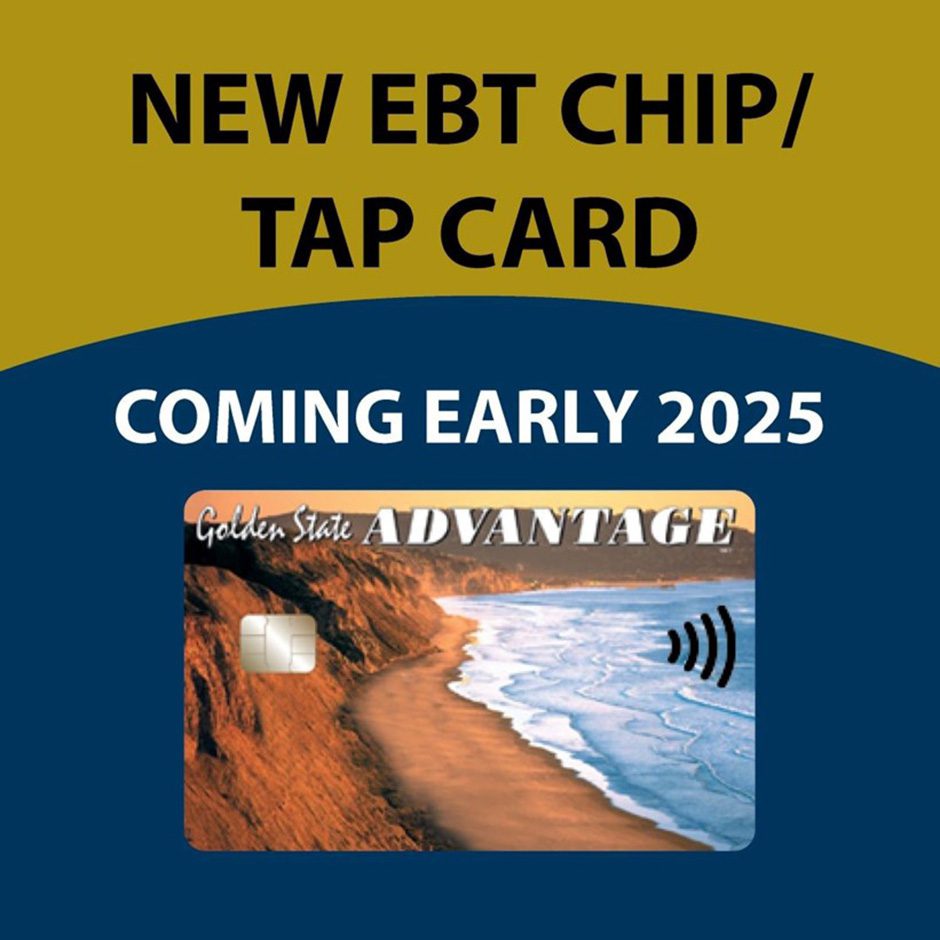
Once your application for CalFresh or CalWORKs benefits has been approved, your personalized EBT card will be mailed to the address you provided. This typically arrives in a plain white envelope, often without any identifying markers that might suggest its contents, for security purposes. The card will usually be accompanied by a brochure or small pamphlet that includes general information about using your card and, critically, instructions for setting up your PIN. It’s vital to wait until you have both the card and the official instructions before attempting to set your PIN, as these documents will provide the specific phone number or website needed.
Methods for PIN Selection
The primary and most common method for setting up your EBT PIN in California is via an automated phone system.
Automated Phone System
This is the most widely used and recommended method. Upon receiving your card, you will find a dedicated customer service phone number printed on the back of the card, or within the accompanying activation instructions. This number is typically the California EBT Customer Service line.
- Call the Number: Dial the customer service number.
- Follow Prompts: Listen carefully to the automated voice prompts. You will likely be asked to select a language.
- Identify Yourself: You will then be prompted to enter your 16-digit EBT card number, which is found on the front of your card.
- Verify Identity: To protect your benefits, the system will ask for verification information. This usually includes your date of birth and the last four digits of your Social Security Number (SSN), or sometimes your zip code. Ensure you have this information readily available.
- Choose Your PIN: Once your identity is verified, you will be prompted to create a four-digit PIN. Choose a number that is easy for you to remember but difficult for others to guess. Avoid using obvious sequences like “1234” or your birth year. You will typically be asked to enter it twice to confirm.
- Confirmation: The system will confirm that your PIN has been successfully set.
Online Portal
California also offers an EBT Client Website, which allows cardholders to manage their accounts online. While it primarily serves for checking balances and transaction history, some functionalities, including PIN changes or initial setup, might be available through this portal depending on recent system updates.
- Access the Website: Visit the official California EBT Client Website (usually ebt.ca.gov).
- Register/Log In: If you haven’t already, you may need to register for an online account using your EBT card number and personal information.
- Navigate to PIN Management: Look for sections related to “Manage PIN” or “Change PIN” within your account dashboard.
- Follow Instructions: The online system will guide you through the process, requiring similar verification steps as the phone system.
In-Person Assistance
While less common for initial PIN setup, if you encounter difficulties or prefer in-person support, you can contact your local county social services agency. They may be able to assist with PIN resets or provide guidance, though the initial setup is heavily geared towards self-service via phone or online.
Key Information Needed
Regardless of the method you choose, having the following information at hand will expedite the PIN setup process:
- Your 16-digit EBT card number.
- Your date of birth.
- The last four digits of your Social Security Number (SSN).
- Your current residential zip code (as associated with your benefits application).
- Your recipient name (as it appears on your benefits letter).
Ensuring you have these details ready will make the process smooth and prevent unnecessary delays in accessing your benefits.
Managing Your EBT PIN and Card for Seamless Lifestyle Support

Once your EBT PIN is set, responsible management of your card and PIN is crucial for the continuous and secure access to your benefits. This proactive approach supports your financial stability and minimizes potential disruptions to your lifestyle.
Importance of a Secure PIN
Your PIN is the primary security feature for your EBT card. Choosing a strong, memorable PIN is paramount.
- Memorability vs. Security: Select a PIN that you can easily recall without writing it down, but avoid obvious numbers like your birth year, consecutive numbers (e.g., 1234), or repeating digits (e.g., 1111). A unique combination of four digits is ideal.
- Confidentiality: Never share your PIN with anyone, even if they claim to be from the EBT office or social services. Official agencies will never ask for your PIN. Guarding this information is your best defense against fraud and unauthorized use of your benefits.
- Regular Review: Periodically consider if your PIN is still secure and if you remember it easily. If not, consider changing it.
What to Do if You Forget or Need to Change Your PIN
Life happens, and sometimes PINs are forgotten or you may wish to change it for security reasons. The process is similar to the initial setup.
- Forgetting Your PIN: If you forget your PIN, you can reset it by calling the California EBT Customer Service line (the number on the back of your card) and following the automated prompts for a PIN change or reset. You will need to verify your identity.
- Changing Your PIN: You can change your PIN at any time by calling the customer service line or, if available, through the California EBT Client Website. It’s a good practice to change your PIN if you suspect it might have been compromised or if you’ve shared it inadvertently.
- Lost or Stolen Card: If your EBT card is lost or stolen, it’s critical to report it immediately. Call the EBT customer service number as soon as you realize the card is missing. Reporting it promptly prevents unauthorized use of your benefits. A new card will be mailed to you, and you will typically need to set a new PIN for it upon arrival.
Checking Your Balance and Transaction History
Staying informed about your remaining benefits is a core component of managing your financial lifestyle.
- Phone: Call the EBT customer service number and follow the prompts to check your balance.
- Online Portal: Log in to the California EBT Client Website to view your current balance and a detailed history of your transactions. This is an excellent tool for budgeting and tracking spending.
- Retailer Receipts: After every purchase using your EBT card, your remaining balance will typically be printed on your receipt. This provides an immediate update on your funds.
Regularly checking your balance and reviewing your transaction history ensures you can budget effectively, plan your purchases, and quickly identify any suspicious activity, safeguarding your financial resources for your desired lifestyle.
Maximizing Your EBT Benefits in California
Once your EBT card and PIN are successfully set up, understanding how to best utilize your benefits can significantly enhance your lifestyle in California. This involves knowing where and how to spend your benefits most effectively to support healthy living and financial resilience.
Where EBT is Accepted
CalFresh benefits are widely accepted at most grocery stores, supermarkets, and convenience stores that display the EBT or SNAP logo. Beyond traditional retail, many farmers’ markets across California also accept EBT, often offering incentive programs (like market match) that double your purchasing power for fresh, local produce. Utilizing farmers’ markets can be a fantastic way to support local agriculture, access healthier food options, and integrate into community life, aligning with a vibrant, sustainable lifestyle.
CalWORKs cash benefits, if you receive them, can be used like a regular debit card at most ATMs or for purchases at stores that accept debit cards, allowing for greater flexibility in covering a broader range of essential needs, from rent and utilities to transportation.
Planning Your Purchases
Effective meal planning and smart shopping strategies are key to making your CalFresh benefits go further.
- Create a Budget and Shopping List: Before heading to the store, plan your meals for the week and create a detailed shopping list. This helps prevent impulse purchases and ensures you buy only what you need.
- Compare Prices: Take advantage of sales, store brands, and unit pricing to get the most value for your benefits.
- Eligible Items: Remember that CalFresh can be used for most food items, including fruits, vegetables, meat, poultry, fish, dairy products, breads, cereals, and seeds/plants that produce food. It generally cannot be used for hot foods prepared for immediate consumption, alcoholic beverages, tobacco, vitamins, or non-food household items. Knowing these distinctions is vital for smooth transactions.

Beyond Groceries: CalFresh & CalWORKs Distinction
It’s important to differentiate between the two main types of benefits accessed via EBT in California:
- CalFresh (Food Benefits): These are specifically for purchasing food items for home consumption. They are loaded onto your EBT card and can only be used at authorized food retailers.
- CalWORKs (Cash Benefits): These benefits provide cash assistance for families with dependent children. They are loaded onto the same EBT card but can be used more flexibly. You can withdraw cash from an ATM or use the card to make purchases at retailers that accept EBT cash benefits, similar to a regular debit card. This distinction allows CalWORKs recipients to cover a wider array of essential living expenses that directly support their family’s lifestyle.
By understanding these nuances and responsibly managing your EBT card and PIN, you can effectively leverage these programs to support a stable and healthy lifestyle in California.
LifeOutOfTheBox is a participant in the Amazon Services LLC Associates Program, an affiliate advertising program designed to provide a means for sites to earn advertising fees by advertising and linking to Amazon.com. Amazon, the Amazon logo, AmazonSupply, and the AmazonSupply logo are trademarks of Amazon.com, Inc. or its affiliates. As an Amazon Associate we earn affiliate commissions from qualifying purchases.