
Navigating the complexities of family and medical leave can feel daunting, especially when you’re dealing with personal or familial health concerns. Fortunately, in California, the process for applying for leave under the federal Family and Medical Leave Act (FMLA) and its state counterpart, the California Family Rights Act (CFRA), has become increasingly accessible. This guide will walk you through the online application process, empowering you to secure the leave you need with clarity and confidence.
Understanding Your Leave Rights in California
Before diving into the application process, it’s crucial to understand the framework that governs family and medical leave in California. While FMLA provides a federal baseline, California has expanded these protections through the CFRA, offering broader coverage in many instances. Both acts allow eligible employees to take unpaid, job-protected leave for specific family and medical reasons.
Federal Family and Medical Leave Act (FMLA)
The FMLA, a United States labor law, entitles eligible employees of covered employers to take unpaid, job-protected leave for specified family and medical reasons. These reasons include:
- The birth of a child and to care for the newborn child within one year of birth.
- The placement of a child with the employee for adoption or foster care and to care for the newly placed child within one year of placement.
- To care for the employee’s spouse, child, or parent who has a serious health condition.
- A serious health condition that makes the employee unable to perform the essential functions of their job.
- Any qualifying exigency arising out of the fact that the employee’s spouse, son, daughter, or parent is a covered military member on “covered active duty.”
To be eligible for FMLA leave, an employee must have worked for a covered employer for at least 12 months, have at least 1,250 hours of service during the 12 months prior to the start of the leave, and work at a location where the employer has 50 or more employees within 75 miles.
California Family Rights Act (CFRA)
The CFRA, administered by the California Civil Rights Department (CRD), mirrors many of the FMLA provisions but offers additional protections and applies to a broader range of employers. Key differences include:
- Employer Coverage: CFRA applies to employers with five or more employees, significantly widening the scope compared to FMLA’s 50-employee threshold.
- Covered Relationships: CFRA also covers leave to care for a broader range of family members, including parents-in-law, grandparents, grandchildren, siblings, and individuals with whom the employee has a “common-law marriage.” It also provides leave for an employee’s own serious health condition, and for bonding with a child regardless of gender or marital status.
- No “Key Employee” Exception: Unlike FMLA, CFRA does not have a “key employee” exception that allows employers to deny leave if it would cause substantial economic hardship.
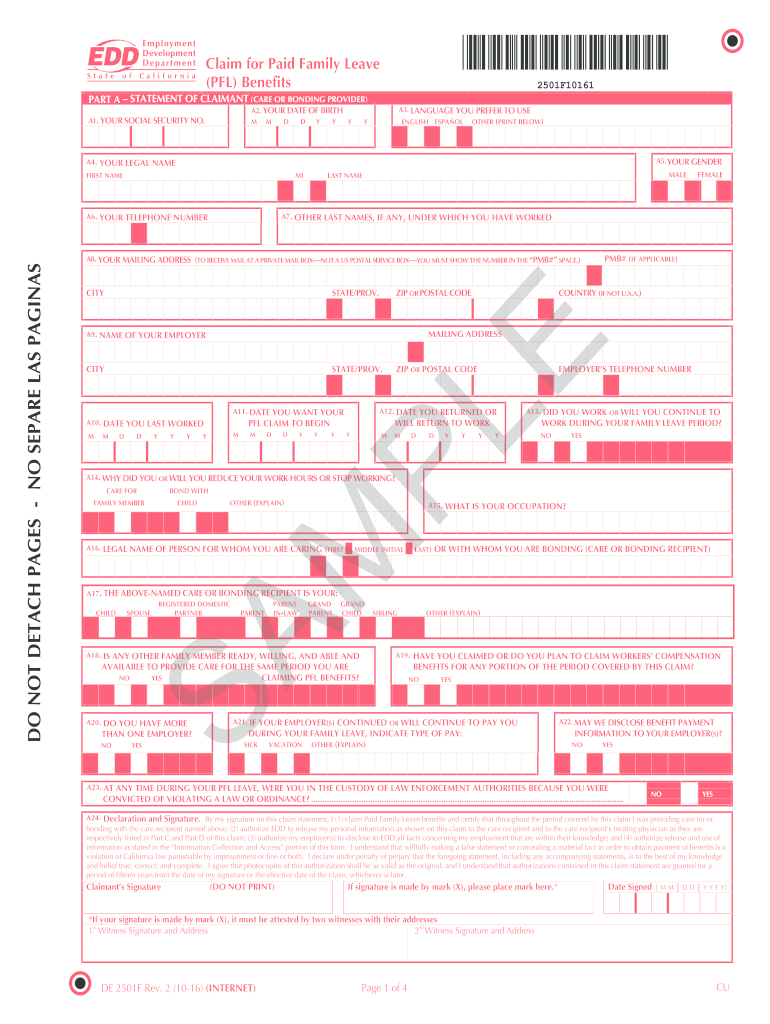
For the purposes of this guide, applying “online” generally refers to utilizing employer-provided portals or state resources that facilitate the application and documentation submission for both FMLA and CFRA, as many employers integrate these processes.
The Online Application Process: Step-by-Step
While a universal, single “online portal” for all FMLA/CFRA applications doesn’t exist due to the nature of employer-specific policies and state administration, the process typically involves several key steps that can often be initiated or managed online.
Step 1: Confirm Your Eligibility and Reason for Leave
The first and most critical step is to verify that you meet the eligibility criteria for FMLA and/or CFRA and that your reason for leave is covered.
- Review Employer Policy: Most employers will have a detailed policy regarding family and medical leave, often accessible through their employee intranet or HR portal. This policy will outline eligibility requirements, covered reasons for leave, and the application procedure.
- Consult Your HR Department: Your Human Resources department is your primary resource. They can confirm your eligibility based on your employment history and the specifics of your situation. Many HR departments now offer online chat services or email support for initial inquiries.
- Identify the Covered Reason: Clearly articulate the reason for your leave. This could be:
- Your own serious health condition.
- Caring for a qualifying family member with a serious health condition.
- Bonding with a new child (birth, adoption, foster care).
- Qualifying exigency due to military service of a family member.
Step 2: Obtain and Complete the Necessary Leave Request Forms
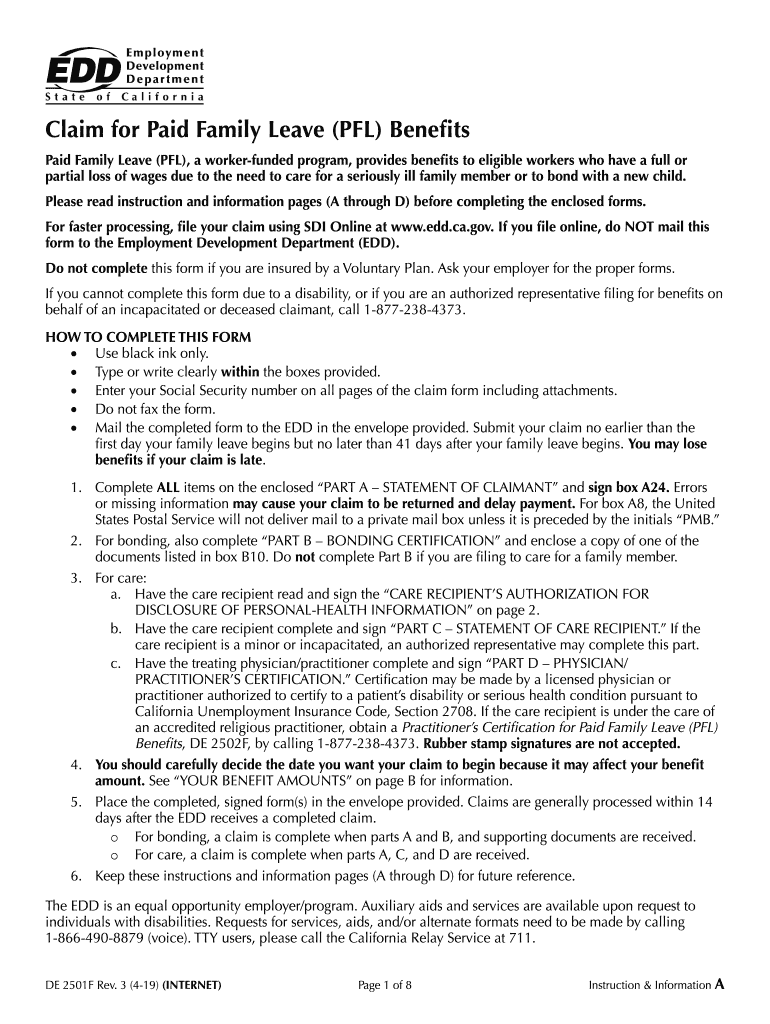
Once eligibility is confirmed, you’ll need to complete specific leave request forms. These are often available for download or direct completion through your employer’s online HR system.
- Employer-Specific Forms: Your employer will typically provide forms such as a “Request for Leave” or “FMLA/CFRA Leave Request Form.” This form will ask for your personal information, the type of leave requested, anticipated start and end dates, and a brief description of the reason for leave.
- Medical Certification Forms: For leaves related to a serious health condition (yours or a family member’s), you will need to provide medical certification. Your employer will provide a “Medical Certification” form that must be completed by your healthcare provider. This form is crucial as it documents the medical necessity for your leave. The form typically includes:
- Patient’s name and relationship to employee.
- Nature of the serious health condition.
- Date condition commenced.
- Probable duration of the condition.
- For employee’s own serious health condition: statement that the employee is unable to perform essential functions of their job, or that the employee requires absence for treatment or recovery.
- For family member’s serious health condition: statement that the family member requires the care of the employee, and an estimate of the time care is needed.
- Online Form Submission: Many employers allow you to download these forms and then upload the completed versions, or directly fill them out within their HR portal. Look for a “Submit” or “Upload Document” button within the online system.
Step 3: Provide Supporting Documentation
The medical certification form is the primary piece of documentation. However, depending on the reason for leave, additional documentation might be required.
- Birth/Adoption/Foster Care: A copy of the child’s birth certificate or adoption/foster care placement papers will likely be needed to confirm the placement date.
- Military Exigency: Documentation related to the military deployment or status of the covered military member may be required.
- Online Upload: Similar to the leave request forms, these documents are typically uploaded through the employer’s online HR system. Ensure you have scanned or photographed clear copies of all necessary documents before starting the online submission.
Step 4: Submit Your Application and Track Its Status
After completing and gathering all necessary forms and documentation, you will submit them through the designated online channel.
- Employer HR Portal: This is the most common method. Log in to your company’s HR system and navigate to the leave request section. Follow the prompts to submit your completed forms and documents.
- Confirmation: Upon successful submission, you should receive an automated confirmation email or a notification within the HR system. This confirmation is important proof of your submission.
- Tracking: Many HR systems offer a feature to track the status of your leave request. This allows you to see if your request has been received, is under review, or has been approved/denied. Regularly check this status to stay informed.
Step 5: Follow Up and Communication
Even with an online system, clear communication with your HR department and manager is vital.
- Timeliness: Submit your request and documentation as far in advance as possible. For foreseeable leave (e.g., planned surgery, adoption), FMLA and CFRA require at least 30 days’ notice. For unforeseeable leave, provide notice as soon as practicable.
- Direct Communication: While online systems streamline the process, don’t hesitate to reach out to your HR representative via email or phone if you have questions or if the online status hasn’t updated within a reasonable timeframe.
- Intermittent Leave: If you require intermittent leave (taking leave in blocks of time rather than one continuous period), the process can be more complex. Ensure your medical certification clearly supports the need for intermittent leave and discuss the scheduling of these absences with both HR and your manager.

Leveraging State Resources for FMLA/CFRA Information
While employers manage the application process, the California Civil Rights Department (CRD) provides valuable resources for understanding your rights and responsibilities under CFRA. Although CRD does not directly process individual FMLA/CFRA applications, their website serves as an authoritative source for regulations, FAQs, and contact information for further clarification.
- California Civil Rights Department (CRD) Website: Visit the CRD website for detailed information on CFRA, including fact sheets, guidelines for employers and employees, and legal updates. This is an excellent resource for understanding your rights beyond what your employer might provide.
- Contacting CRD: If you encounter issues with your employer or have complex questions about CFRA, the CRD may offer avenues for assistance or mediation.
By understanding the FMLA and CFRA, carefully following your employer’s online application procedures, and utilizing available state resources, you can navigate the process of applying for family and medical leave in California efficiently and effectively, ensuring you receive the support you need during significant life events.
LifeOutOfTheBox is a participant in the Amazon Services LLC Associates Program, an affiliate advertising program designed to provide a means for sites to earn advertising fees by advertising and linking to Amazon.com. Amazon, the Amazon logo, AmazonSupply, and the AmazonSupply logo are trademarks of Amazon.com, Inc. or its affiliates. As an Amazon Associate we earn affiliate commissions from qualifying purchases.