
Navigating the intricacies of state tax obligations is a crucial aspect of financial stewardship, particularly for residents and businesses operating within the vibrant economy of California. The Golden State offers a robust digital infrastructure for tax payments, streamlining the process and enhancing convenience. This guide delves into the primary methods for paying your California state taxes online, ensuring compliance and peace of mind.
Understanding Your California Tax Obligations
Before embarking on the online payment journey, it’s essential to have a clear understanding of what taxes you owe and to which state entity. The California Franchise Tax Board (FTB) is the primary agency responsible for administering state income taxes, including personal income tax and corporate income tax. Other state agencies may also collect specific taxes, such as the California Department of Tax and Fee Administration (CDTFA) for sales and use tax, and the Employment Development Department (EDD) for payroll taxes.

Personal Income Tax
As an individual resident or non-resident with California source income, you are likely subject to personal income tax. This includes income from wages, investments, self-employment, and rental properties. Understanding your filing status (e.g., single, married filing jointly) and any applicable deductions or credits will help you accurately calculate your tax liability. The FTB provides extensive resources on its website to assist taxpayers in this regard, including tax forms, publications, and tax assistance programs.
Corporate Income Tax
Businesses operating in California, whether incorporated in the state or a foreign corporation doing business within its borders, are subject to corporate income tax. This tax is based on a business’s net income. Like individuals, corporations must adhere to filing deadlines and payment schedules to remain in compliance. The FTB offers specific guidance and online payment options tailored to the needs of corporate taxpayers.
Other State Taxes
Beyond income taxes, California levies other taxes that may require online payment.
- Sales and Use Tax: Businesses that sell tangible personal property in California are responsible for collecting and remitting sales tax. Consumers who purchase goods out of state for use in California may owe use tax. The CDTFA manages these taxes and provides online payment portals.
- Payroll Taxes: Employers are required to withhold state income tax from their employees’ wages and remit these funds, along with other payroll taxes such as Unemployment Insurance (UI) and State Disability Insurance (SDI), to the EDD. The EDD offers online systems for reporting wages and making tax payments.
Primary Online Payment Methods Through the California Franchise Tax Board (FTB)
The FTB is the central hub for most individual and corporate income tax payments in California. They offer several convenient and secure online payment options designed to cater to diverse taxpayer needs.
1. Pay Online Through FTB’s Website
The FTB’s official website serves as a primary gateway for making tax payments. This method is user-friendly and provides direct access to your tax account.
Direct Debit (Bank Account)
This is one of the most popular and straightforward methods. You can authorize the FTB to debit the amount directly from your bank account (checking or savings).
- How it works: You will need your bank’s routing number and your account number. You can choose a payment date up to 60 days in advance, allowing you to schedule payments and avoid last-minute rushes. This method is ideal for estimated tax payments, bill payments, or making payments with your tax return.
- Security: The FTB uses secure encryption protocols to protect your financial information.
- Process: Navigate to the FTB’s “Make a Payment” section on their website. Select “Direct Debit” and follow the on-screen prompts to enter your bank account details and payment information. You will receive a confirmation number upon successful submission.
Credit Card or Digital Wallet Payment
For those who prefer using credit cards or digital wallets like PayPal or Click to Pay, the FTB partners with third-party payment processors to facilitate these transactions.
- Process: Access the “Make a Payment” portal on the FTB website and select the option for credit card or digital wallet payments. You will be directed to a secure third-party site where you can enter your card details or log in to your digital wallet.
- Fees: Be aware that third-party processors may charge a convenience fee for this service. The fee amount typically varies based on the payment processor and the amount being paid. This fee is separate from your tax liability and goes directly to the payment processor.
- Supported Cards: Common credit cards such as Visa, MasterCard, American Express, and Discover are usually accepted.
2. Use “Pay My Estimated Tax” Service
If you are an individual taxpayer who makes estimated tax payments, the FTB offers a dedicated “Pay My Estimated Tax” service. This service is specifically designed for making these recurring payments, which are often required for income not subject to withholding, such as from self-employment or investments.
- Frequency: Estimated tax payments are typically due quarterly. The FTB outlines the specific due dates for each quarter.
- Methods: This service typically allows you to make payments via direct debit or credit card/digital wallet, similar to the general payment options.
- Benefits: Using this dedicated service ensures your payments are correctly applied to your estimated tax liability, helping you avoid underpayment penalties.
3. Pay Through Your Tax Software or Tax Professional
Many tax preparation software programs and tax professionals offer integrated payment solutions. When you file your California tax return electronically through these services, you often have the option to pay your tax liability directly from within the software or by instructing your tax professional to do so.

- Tax Software: Popular tax software like TurboTax, H&R Block, and TaxAct often allow you to schedule direct debit payments from your bank account or make credit card payments as part of the e-filing process.
- Tax Professionals: If you work with a Certified Public Accountant (CPA) or Enrolled Agent (EA), they can typically facilitate your tax payments on your behalf, often using secure online portals that they manage. They will usually require your authorization and bank account or credit card details.
- Convenience: This integrated approach simplifies the tax filing and payment process, reducing the need to visit multiple websites or manually enter payment information.
Online Payment Methods for Other California State Taxes
While the FTB handles income taxes, other state agencies offer distinct online payment channels for their respective tax types.
California Department of Tax and Fee Administration (CDTFA)
The CDTFA is responsible for administering sales and use taxes, as well as a variety of other taxes and fees, including those related to fuel, alcohol, tobacco, and cannabis.
- Online Services Portal: The CDTFA provides an online portal for businesses to manage their tax accounts, file returns, and make payments.
- Payment Options: Typically, this includes options for electronic fund transfers (EFT), credit card payments through authorized third-party providers, and direct debit.
- Registration: Businesses must be registered with the CDTFA to access these online services. The registration process is also often handled online.
Employment Development Department (EDD)
For employers, the EDD is the agency responsible for payroll taxes, including state income tax withholding, Unemployment Insurance (UI), Employment Training Tax (ETT), and State Disability Insurance (SDI).
- Online Services for Employers (UI Online): The EDD’s primary platform for employers is “UI Online.” This secure web portal allows employers to:
- Register their business.
- File quarterly wage reports (DE 3B).
- Remit tax payments electronically.
- Payment Methods: UI Online supports various electronic payment methods, including EFT, ACH debit, and credit card payments via third-party processors.
- Importance: Timely and accurate payment of payroll taxes is critical for employers to avoid penalties and interest. UI Online streamlines this process considerably.
Tips for a Smooth Online Tax Payment Experience
To ensure your online tax payment experience is as efficient and stress-free as possible, consider these essential tips:
1. Gather Necessary Information in Advance
Before you begin the online payment process, ensure you have all the required information readily available. This typically includes:
- Taxpayer identification number: Social Security number (SSN) for individuals, or Employer Identification Number (EIN) for businesses.
- Tax year or period: Specify which tax year or reporting period the payment is for.
- Payment amount: The exact amount you intend to pay.
- Bank account details: Routing number and account number for direct debit payments.
- Credit card details: Card number, expiration date, and security code for credit card payments.
- Account numbers: Any specific account numbers provided by the tax agency for your particular tax type.
2. Verify Payment Due Dates and Amounts
Double-check your tax return or any notices received from the tax agency to confirm the correct payment due date and the precise amount owed. Making an incorrect payment or paying late can result in penalties and interest.
3. Choose the Right Payment Method for You
Consider the pros and cons of each payment method. Direct debit from a bank account is often the most cost-effective and convenient for scheduled payments. Credit card payments offer rewards but may incur convenience fees. Weigh these factors to select the method that best suits your financial situation and preferences.
4. Keep Records of Your Payments
After successfully making an online payment, always save the confirmation number or a digital receipt provided by the payment system. This record is crucial for your personal financial documentation and can be invaluable if any discrepancies arise later. You should also be able to view your payment history within the online portals of the respective tax agencies.
5. Understand Payment Processing Times
Be aware that online payments may not be instantly processed. While some methods offer near-instantaneous confirmation, others might take one to two business days to clear. To avoid missing deadlines, it is advisable to make your payments at least a few business days before the due date, especially if you are using a new payment method or if the due date falls on a weekend or holiday.
6. Utilize Tax Agency Resources
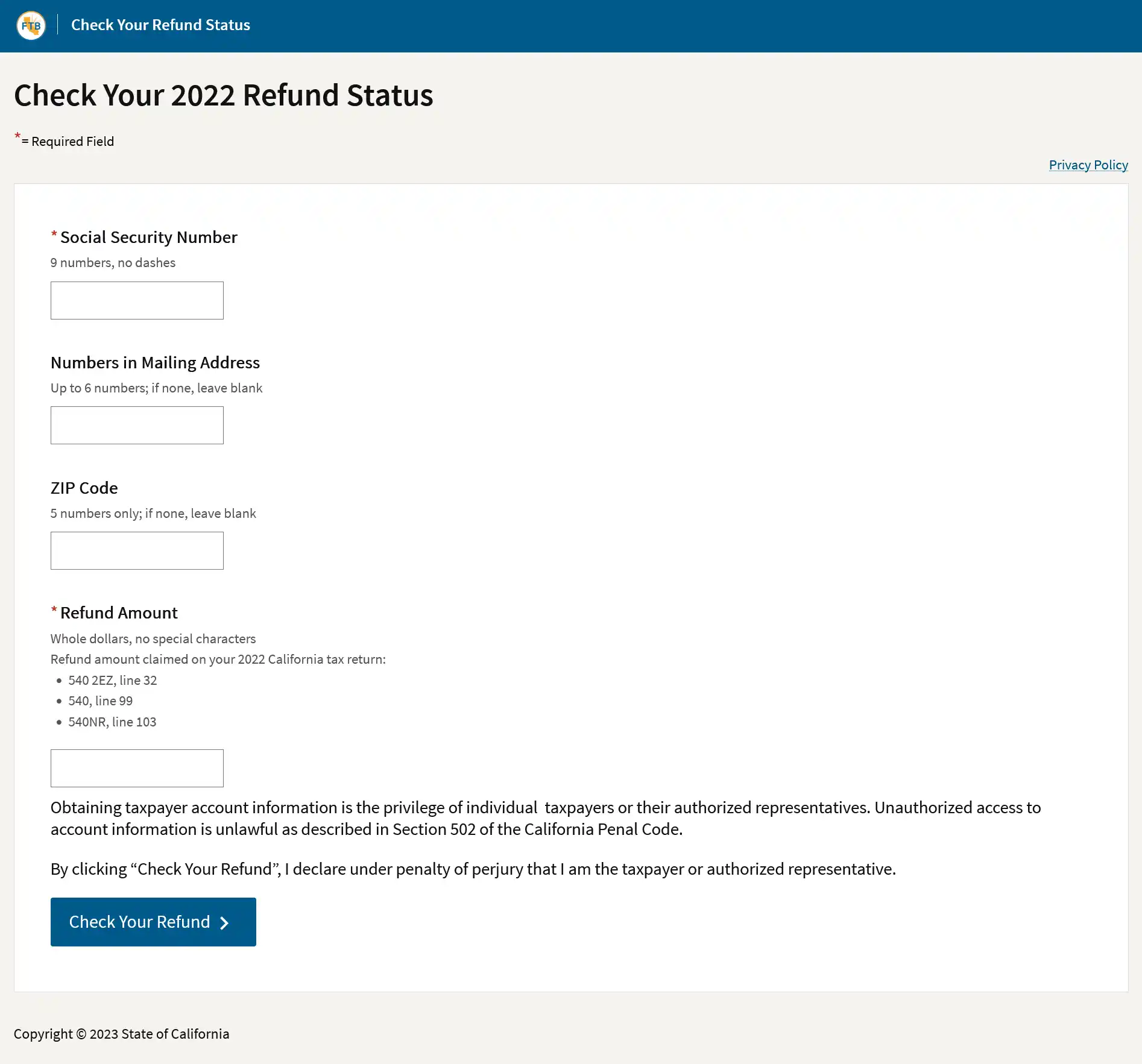
The FTB, CDTFA, and EDD all offer extensive online resources, including frequently asked questions (FAQs), user guides, and customer support contact information. If you encounter any difficulties or have questions about the online payment process, these resources are an excellent starting point for assistance.
By familiarizing yourself with these online payment avenues and following best practices, you can efficiently and securely meet your California state tax obligations, allowing you to focus on other important aspects of your personal finances or business operations.
LifeOutOfTheBox is a participant in the Amazon Services LLC Associates Program, an affiliate advertising program designed to provide a means for sites to earn advertising fees by advertising and linking to Amazon.com. Amazon, the Amazon logo, AmazonSupply, and the AmazonSupply logo are trademarks of Amazon.com, Inc. or its affiliates. As an Amazon Associate we earn affiliate commissions from qualifying purchases.